
01 / Distribution
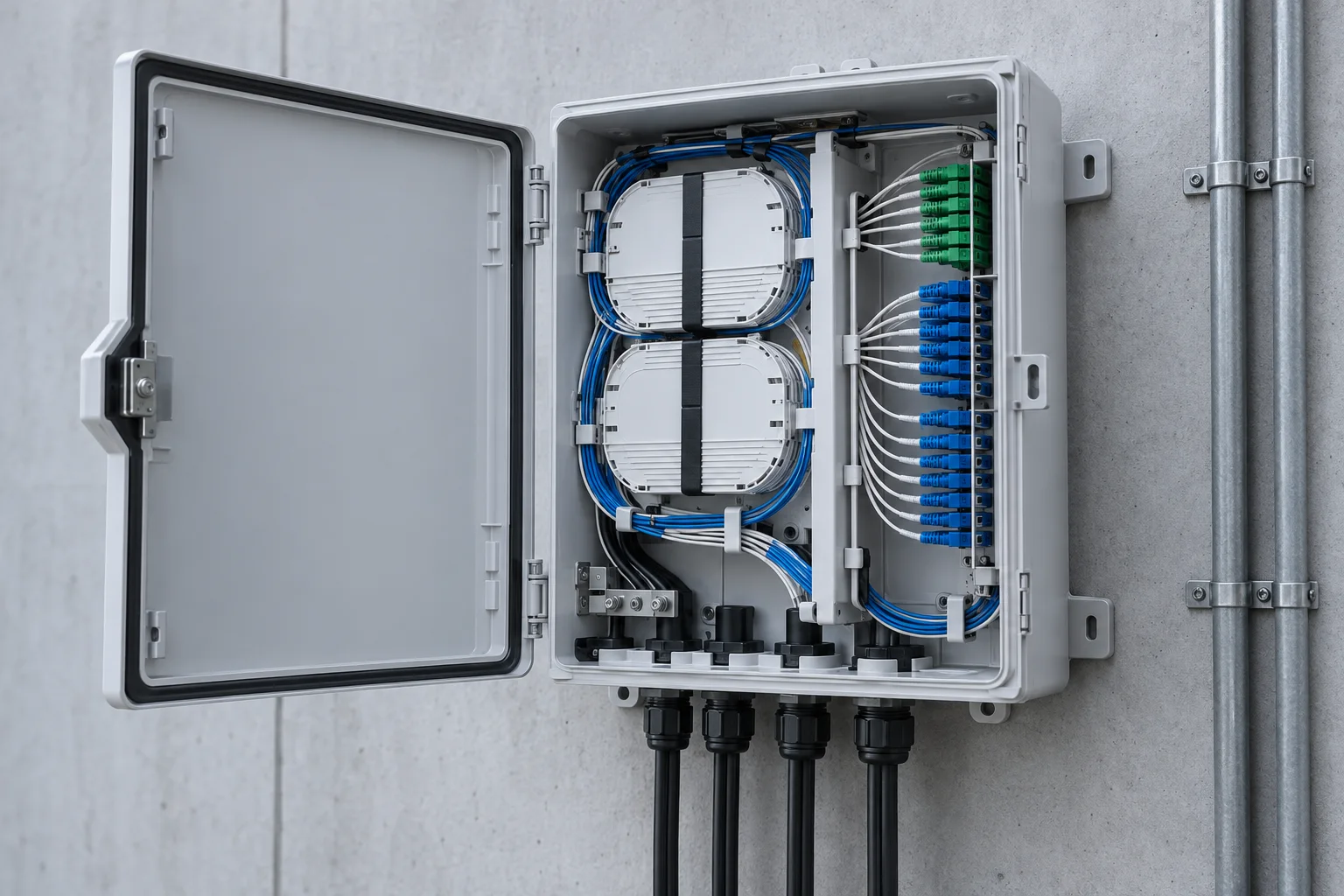
Fiber distribution boxes
Organise fiber entry, splicing and termination at a local distribution point.
Confirm: Cable entries, fiber capacity, splice trays and installation environment.
Include in a project brief ↗Explore distribution hardware, optical connections and equipment-room infrastructure. Use the catalogue to identify product families, then confirm the configuration against the installation.
Select a family to narrow the catalogue. These references introduce component roles; the final equipment specification depends on your project.
Organise fiber entry, splicing and termination at a local distribution point.
Confirm: Cable entries, fiber capacity, splice trays and installation environment.
Include in a project brief ↗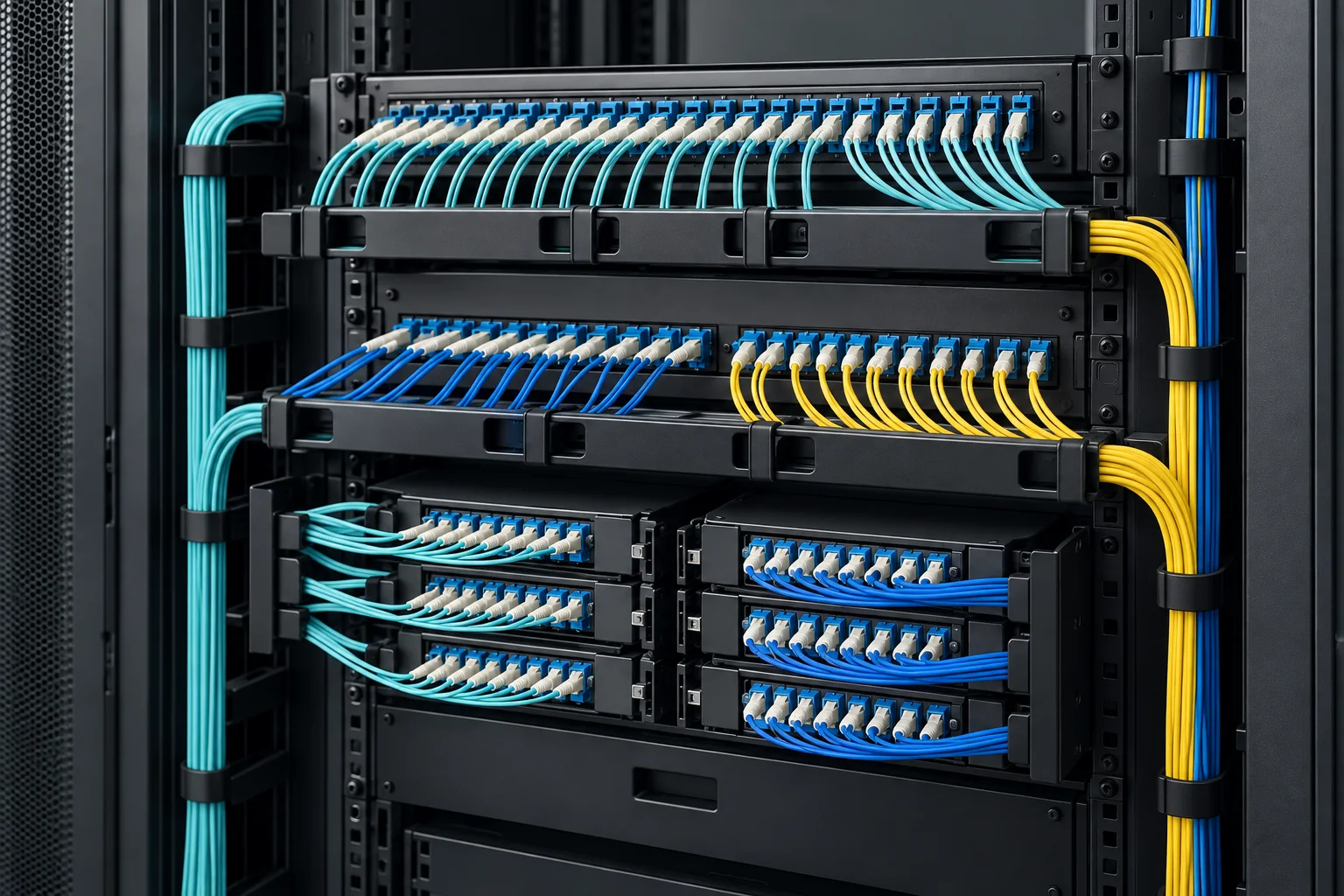
Bring terminated fibers into a labelled, accessible patching arrangement.
Confirm: Rack format, port count, adapter type and rear cable access.
Include in a project brief ↗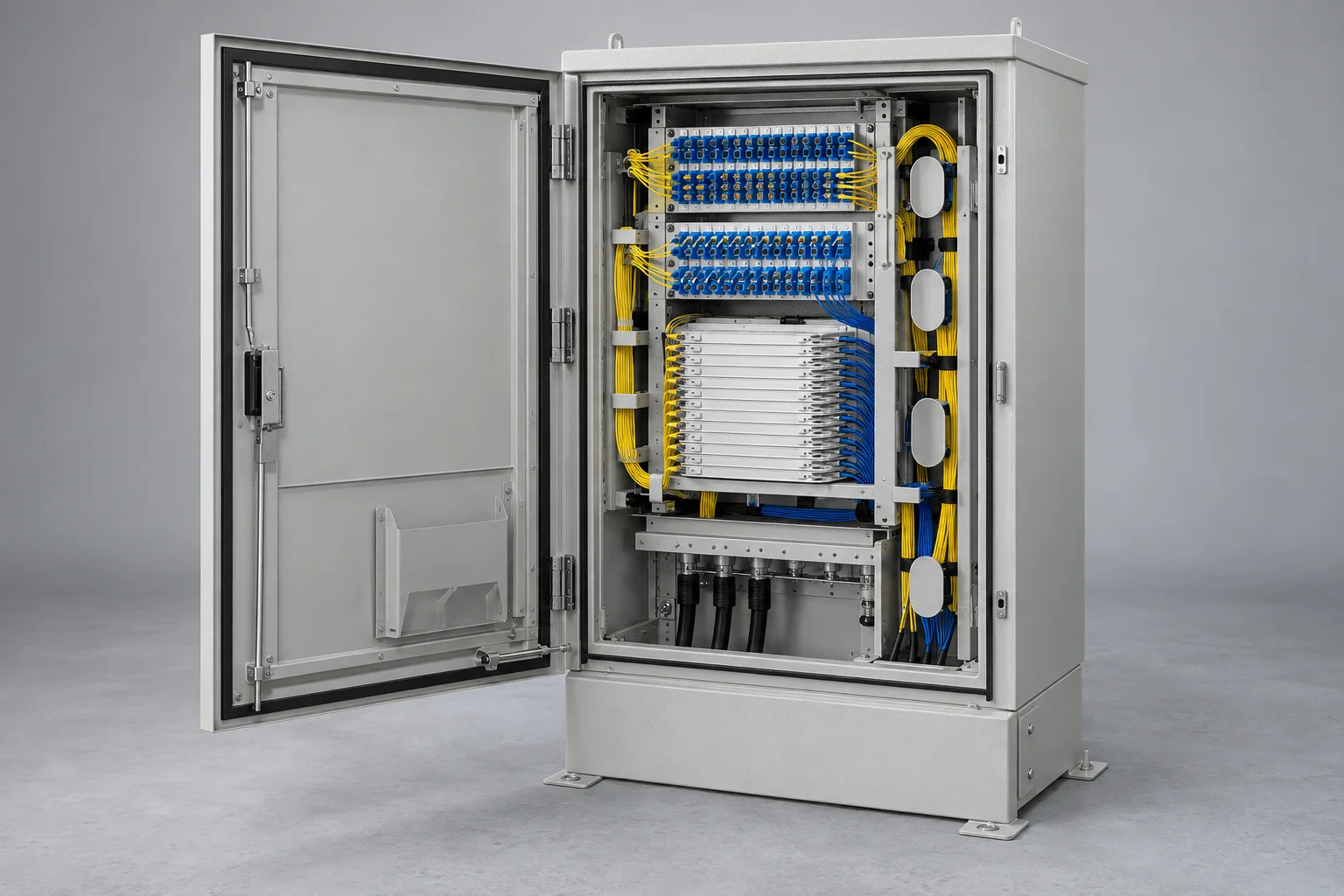
Provide a defined location for cross-connection and fiber distribution.
Confirm: Termination layout, cable access, spare capacity and cabinet protection.
Include in a project brief ↗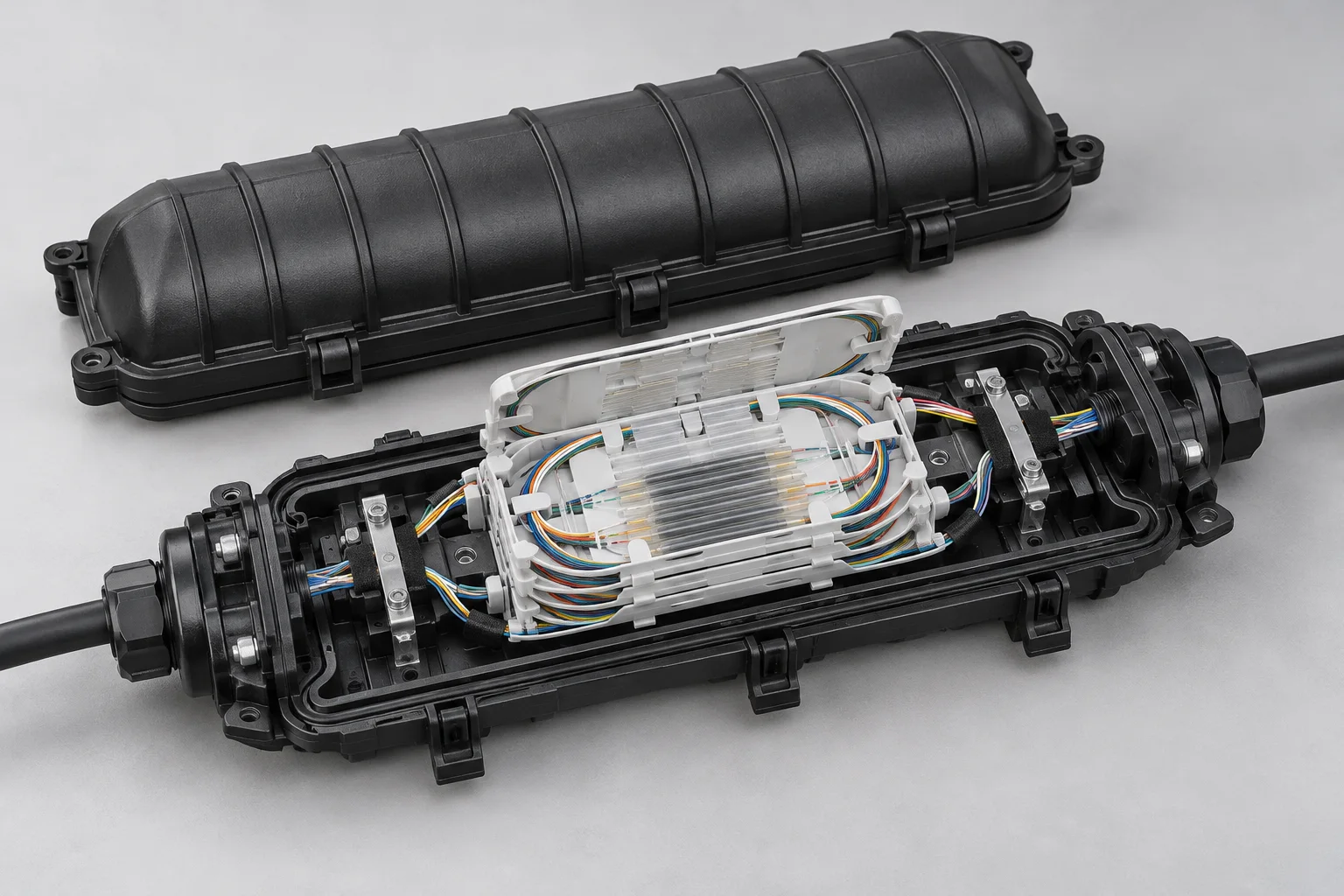
Protect splice organisation along an external or intermediate cable route.
Confirm: Cable diameter, sealing arrangement, tray capacity and mounting method.
Include in a project brief ↗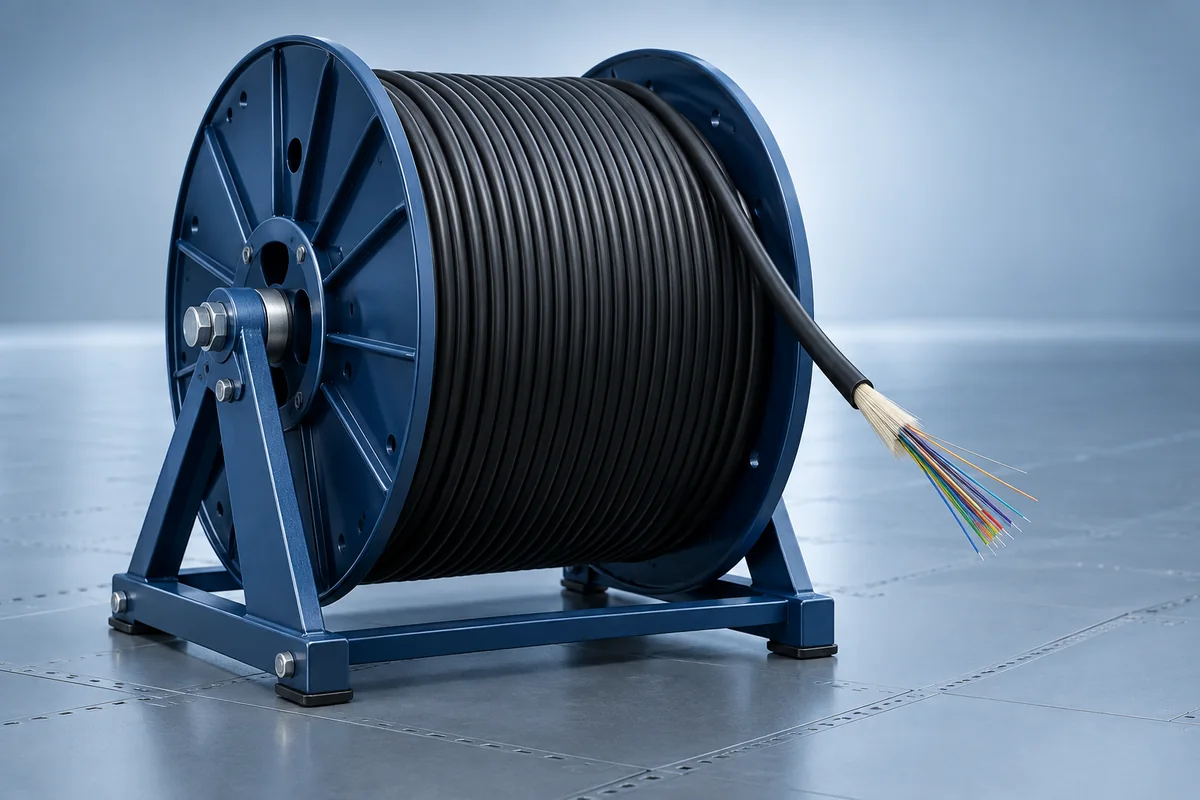
Select cable construction around the route, handling and protection needs.
Confirm: Fiber category, core count, jacket, pulling limits and bend radius.
Include in a project brief ↗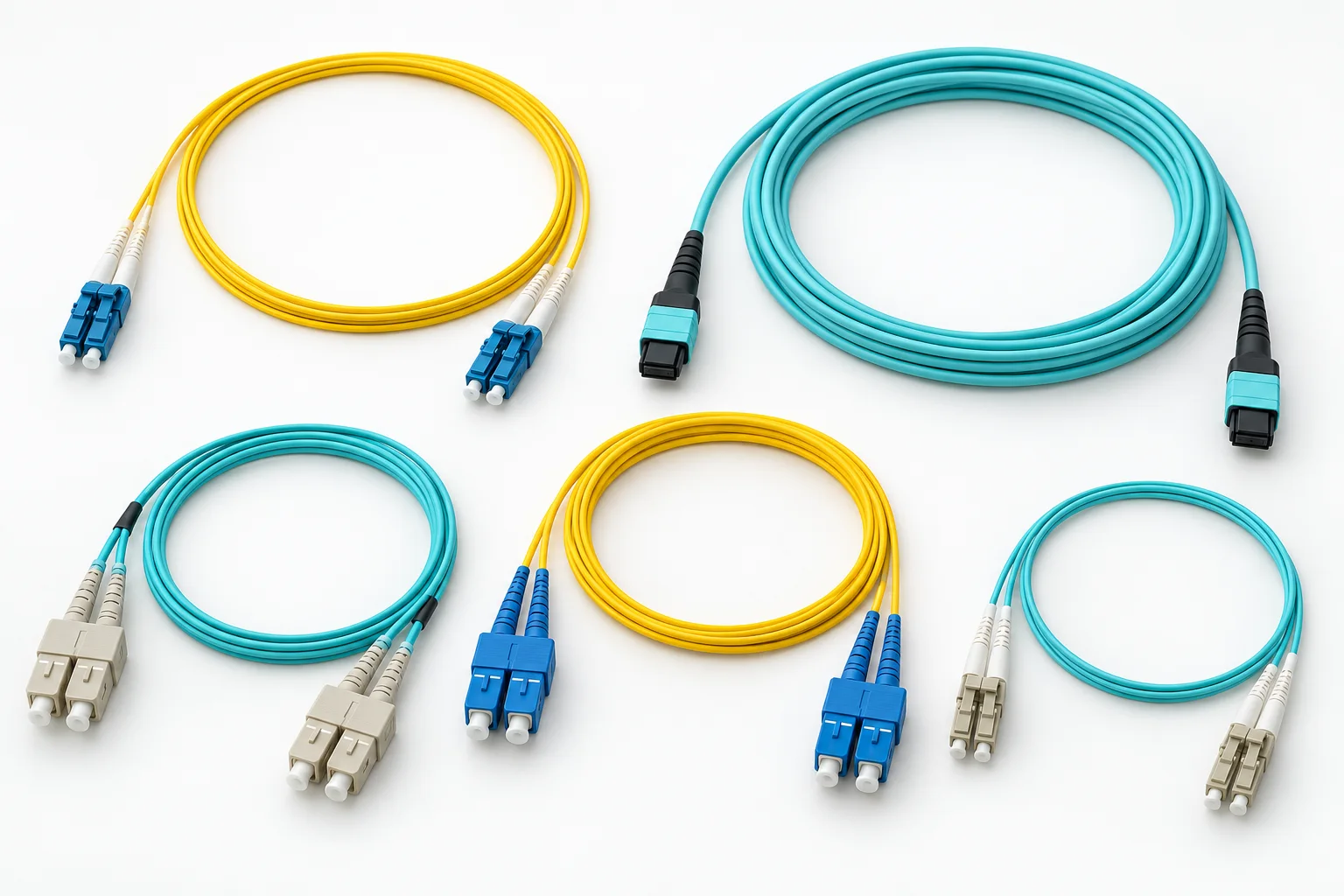
Connect equipment and distribution points or prepare fibers for termination.
Confirm: Fiber type, connector format, polish, length and labeling.
Include in a project brief ↗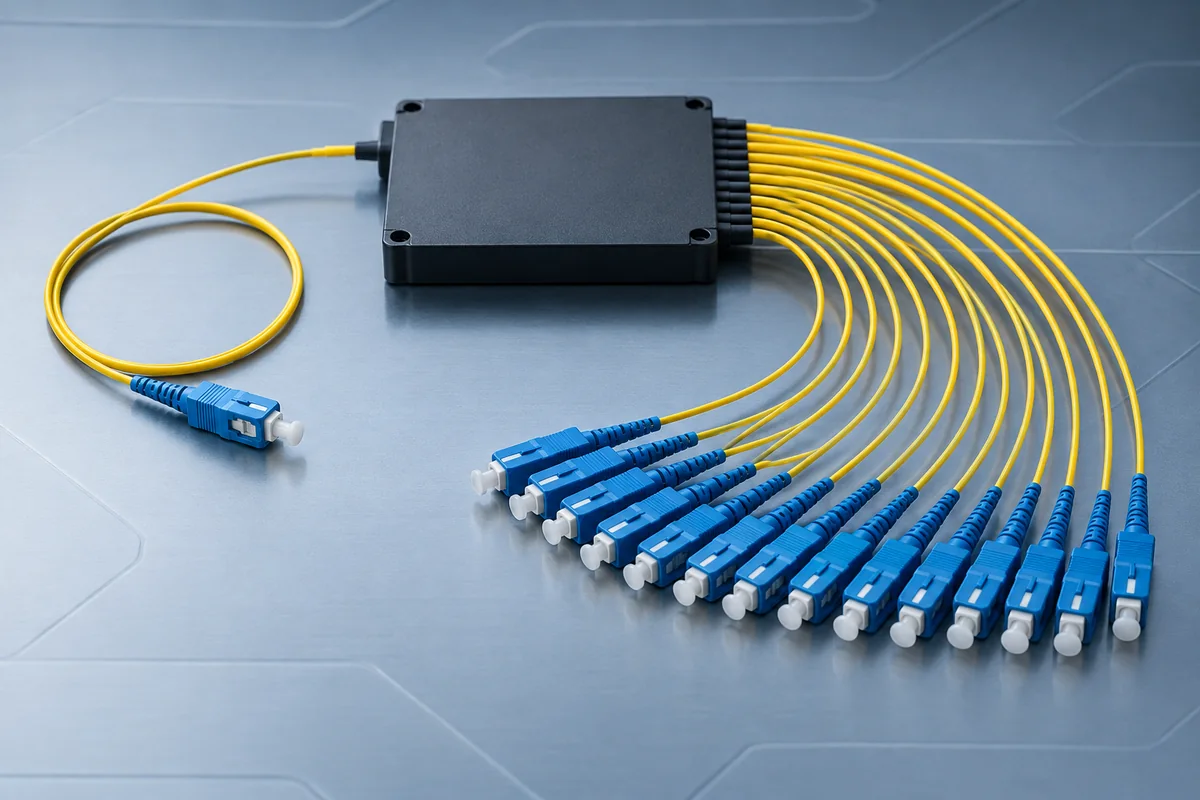
Divide optical signals within a passive distribution arrangement.
Confirm: Split ratio, connector configuration, operating band and loss budget.
Include in a project brief ↗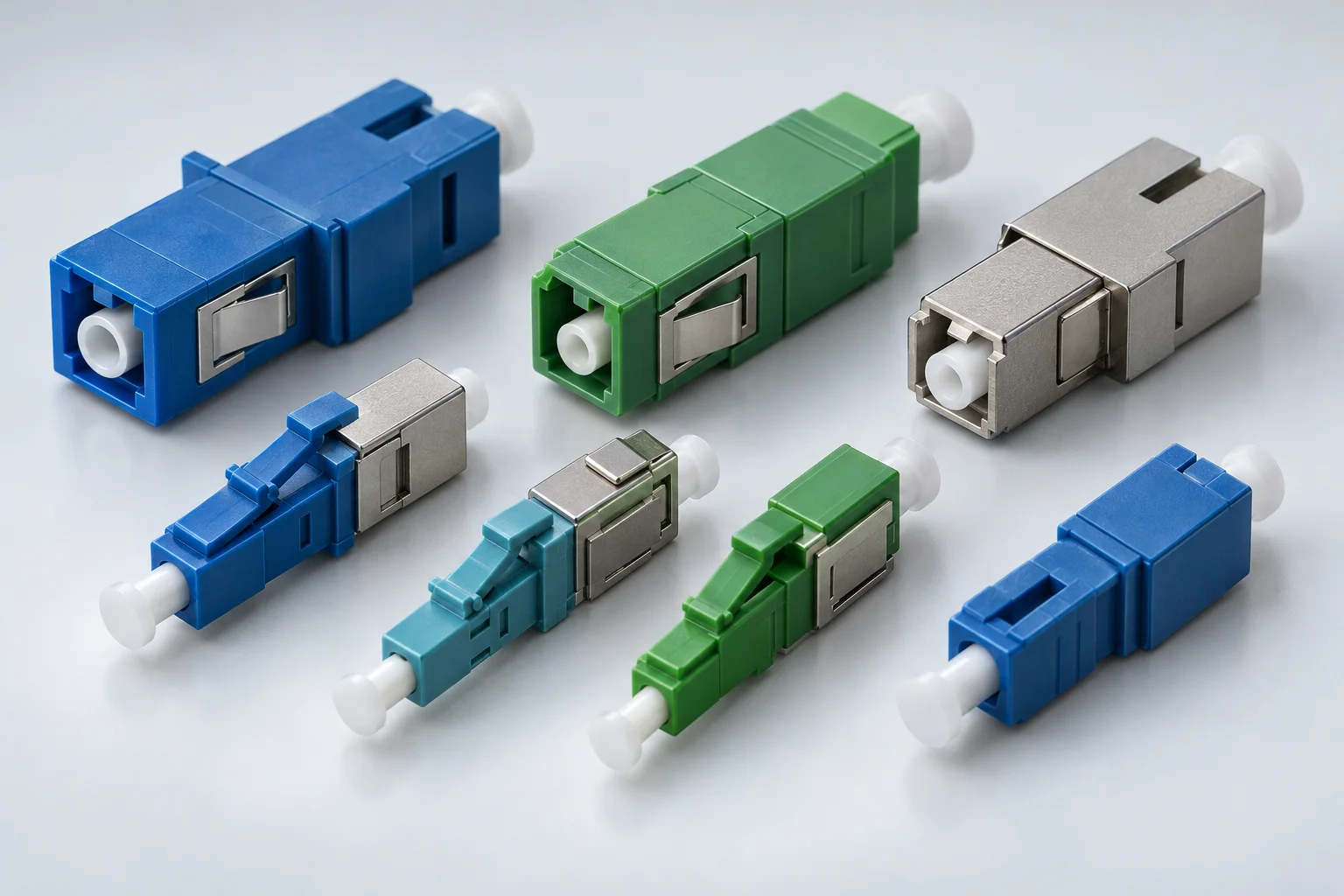
Introduce specified attenuation where the receiving optical interface requires it.
Confirm: Attenuation value, wavelength range, connector format and polish.
Include in a project brief ↗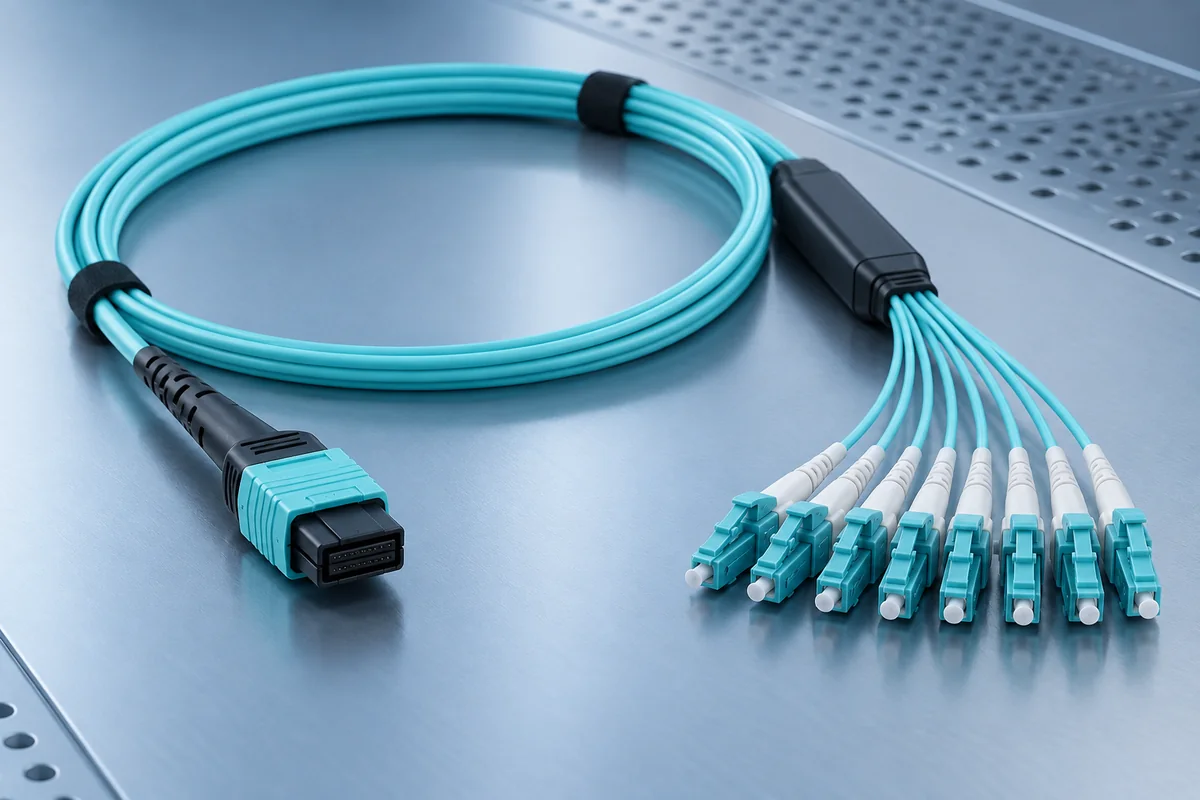
Coordinate multifiber connectivity for dense patching and network links.
Confirm: Fiber count, polarity, pin configuration and end-to-end mapping.
Include in a project brief ↗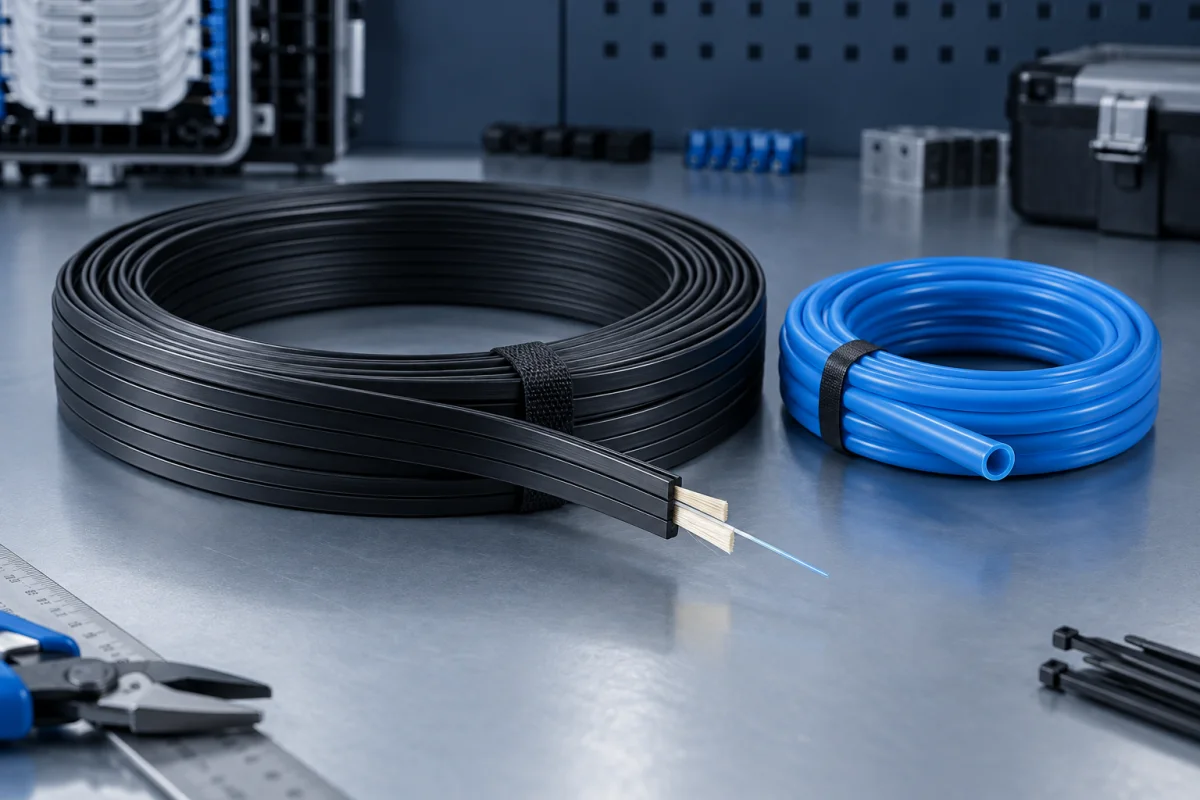
Complete the final cable segment between distribution and the served endpoint.
Confirm: Route exposure, fiber type, construction and termination method.
Include in a project brief ↗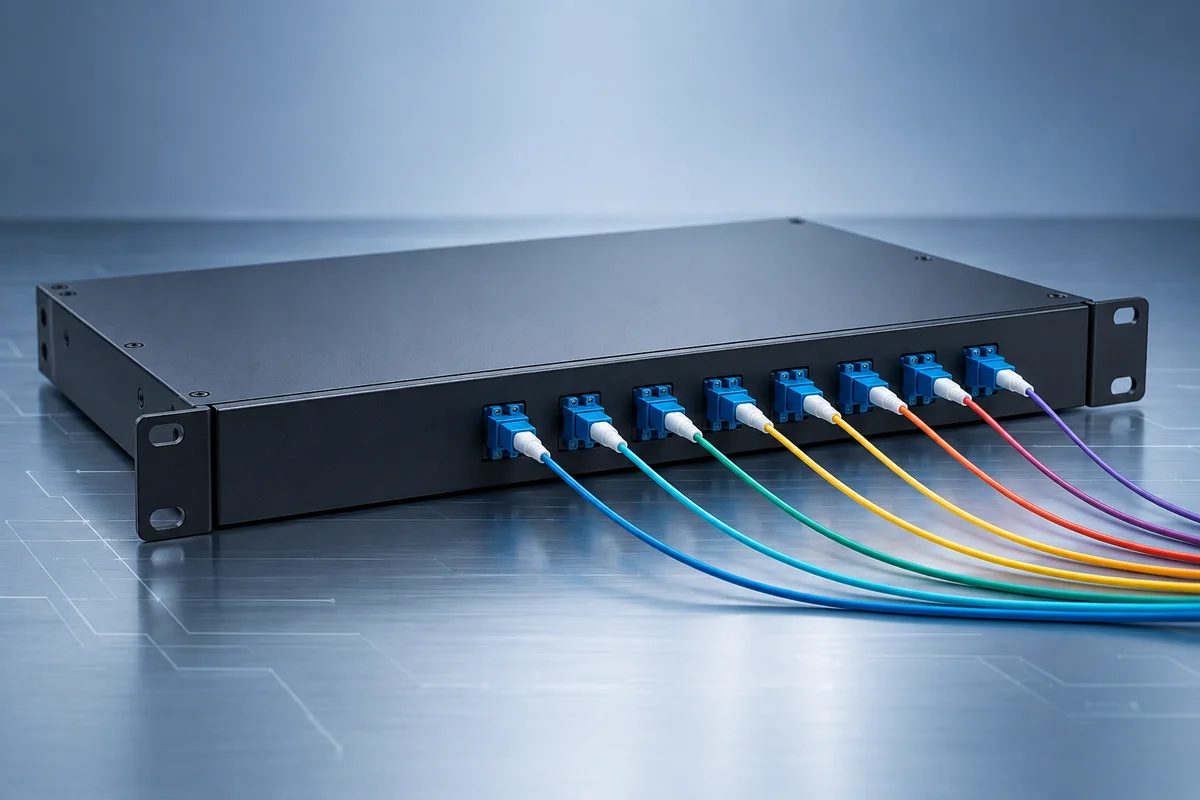
Combine or separate specified wavelength channels within an optical link.
Confirm: Channel plan, connector interface, insertion loss and endpoint compatibility.
Include in a project brief ↗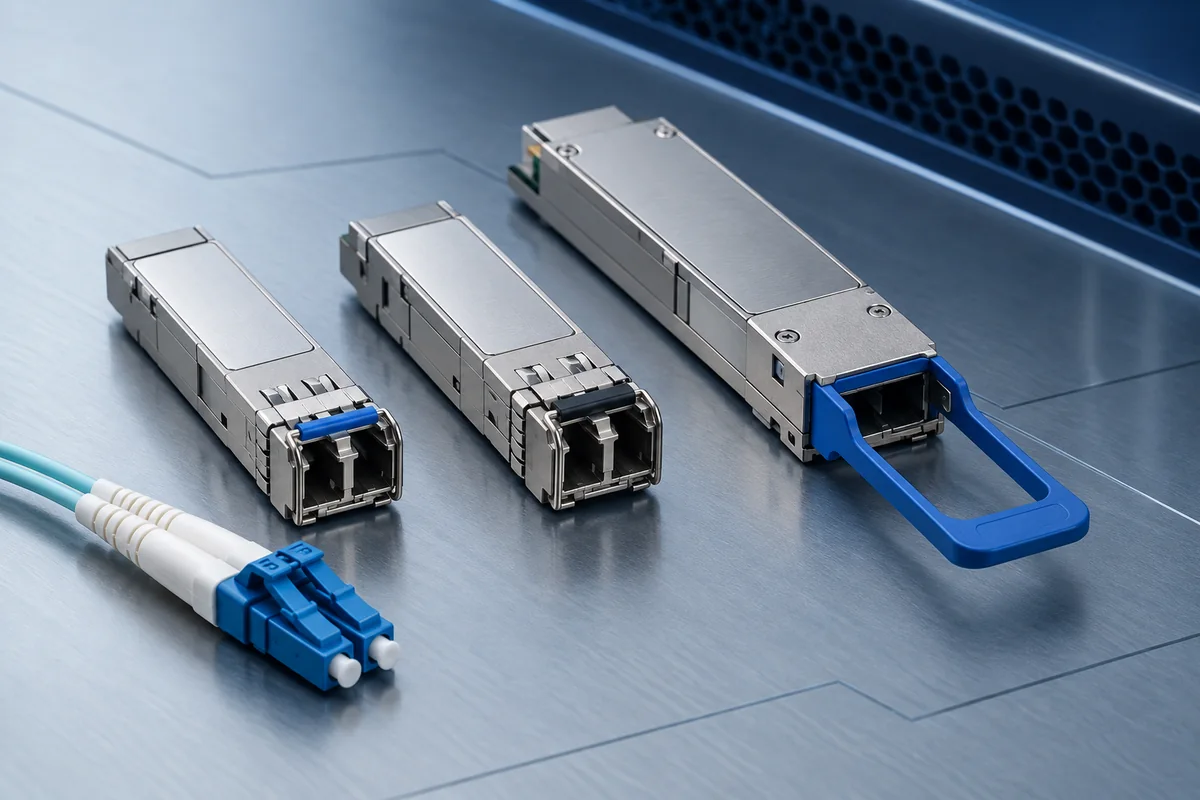
Link active network equipment to its optical transmission interface.
Confirm: Host compatibility, data rate, wavelength, reach and receiver power window.
Include in a project brief ↗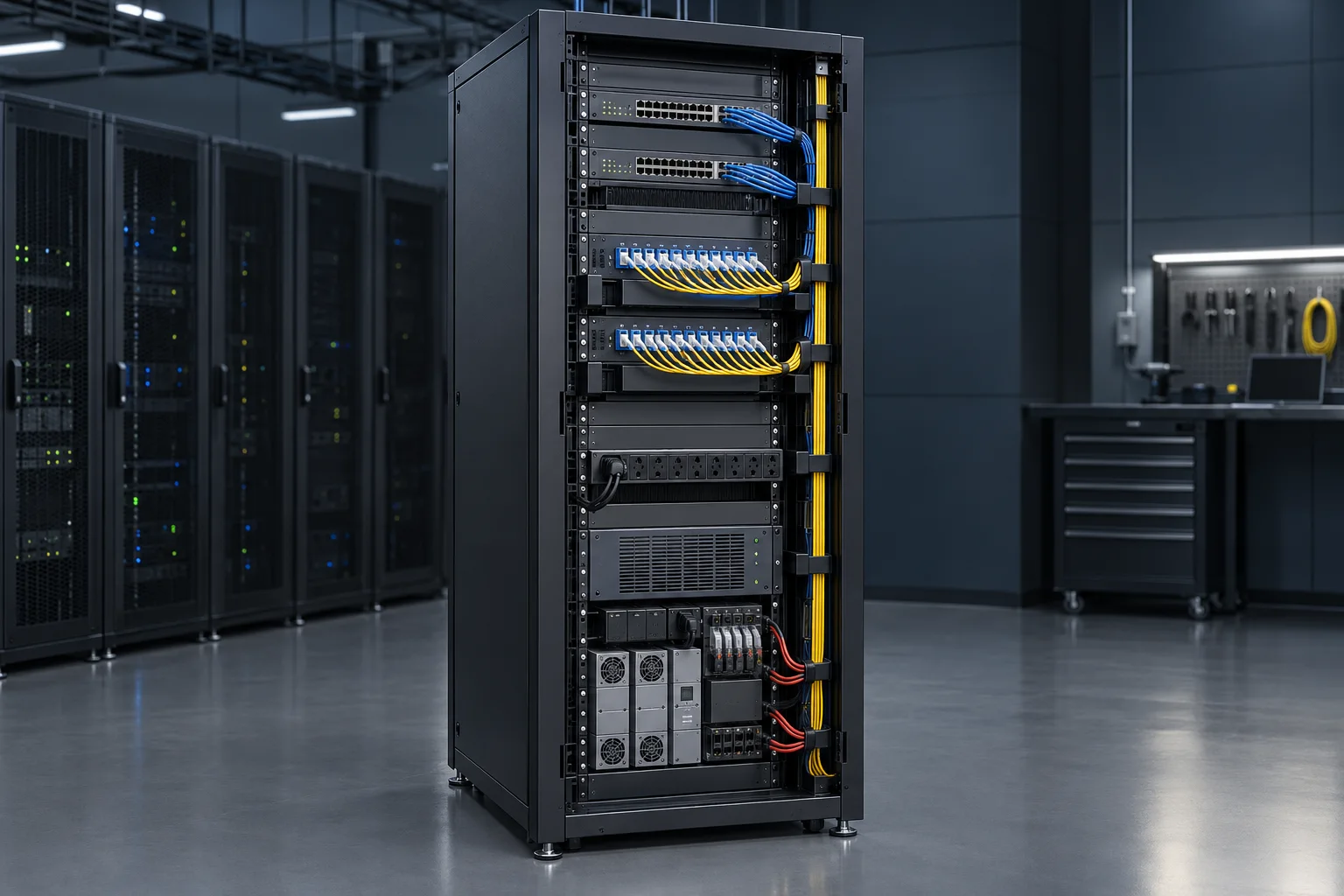
Arrange network equipment, patching and service access in the equipment room.
Confirm: Equipment dimensions, rail arrangement, loading, ventilation and clearances.
Include in a project brief ↗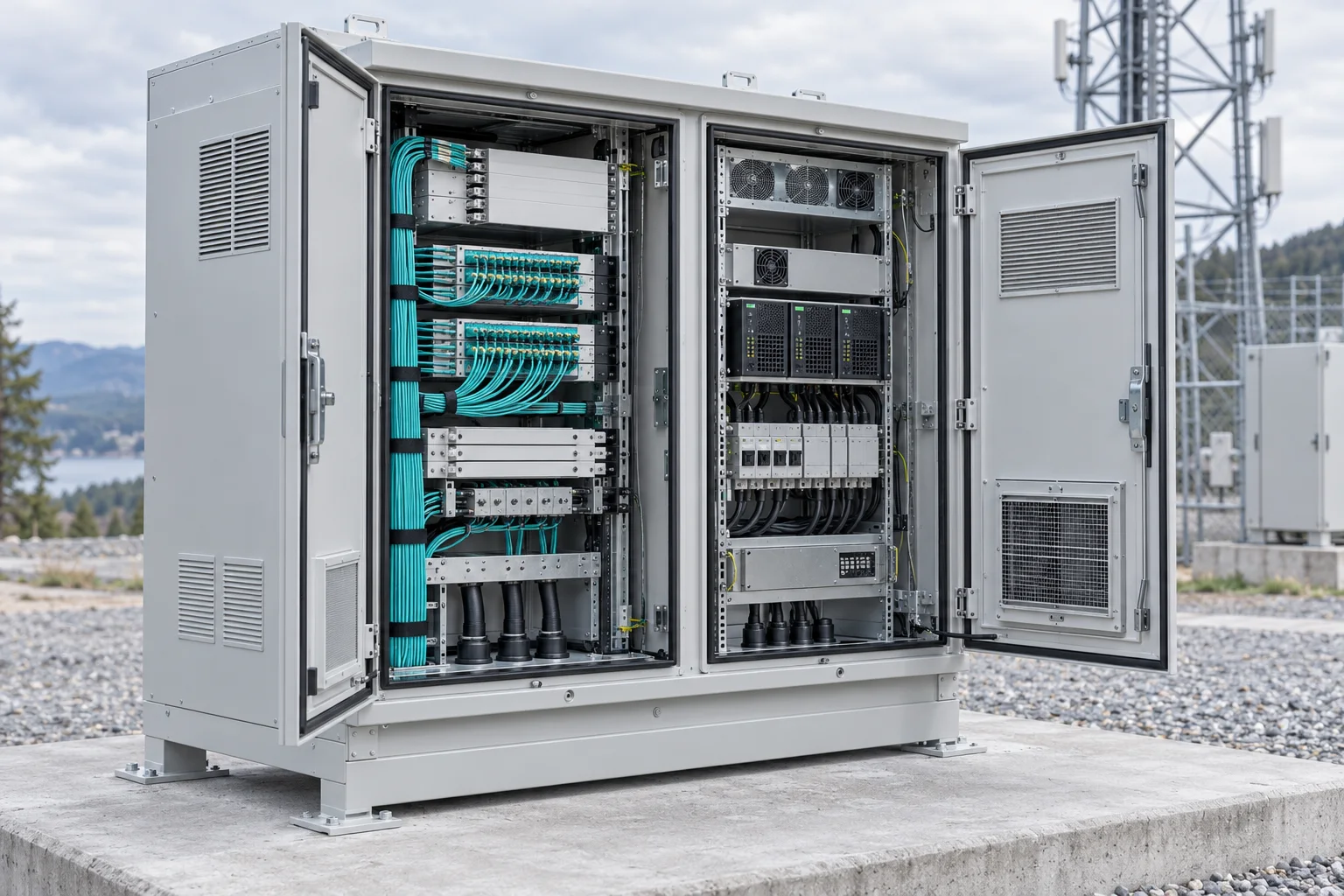
Organise site equipment where environmental protection is required.
Confirm: Exposure, enclosure protection, thermal management and maintenance access.
Include in a project brief ↗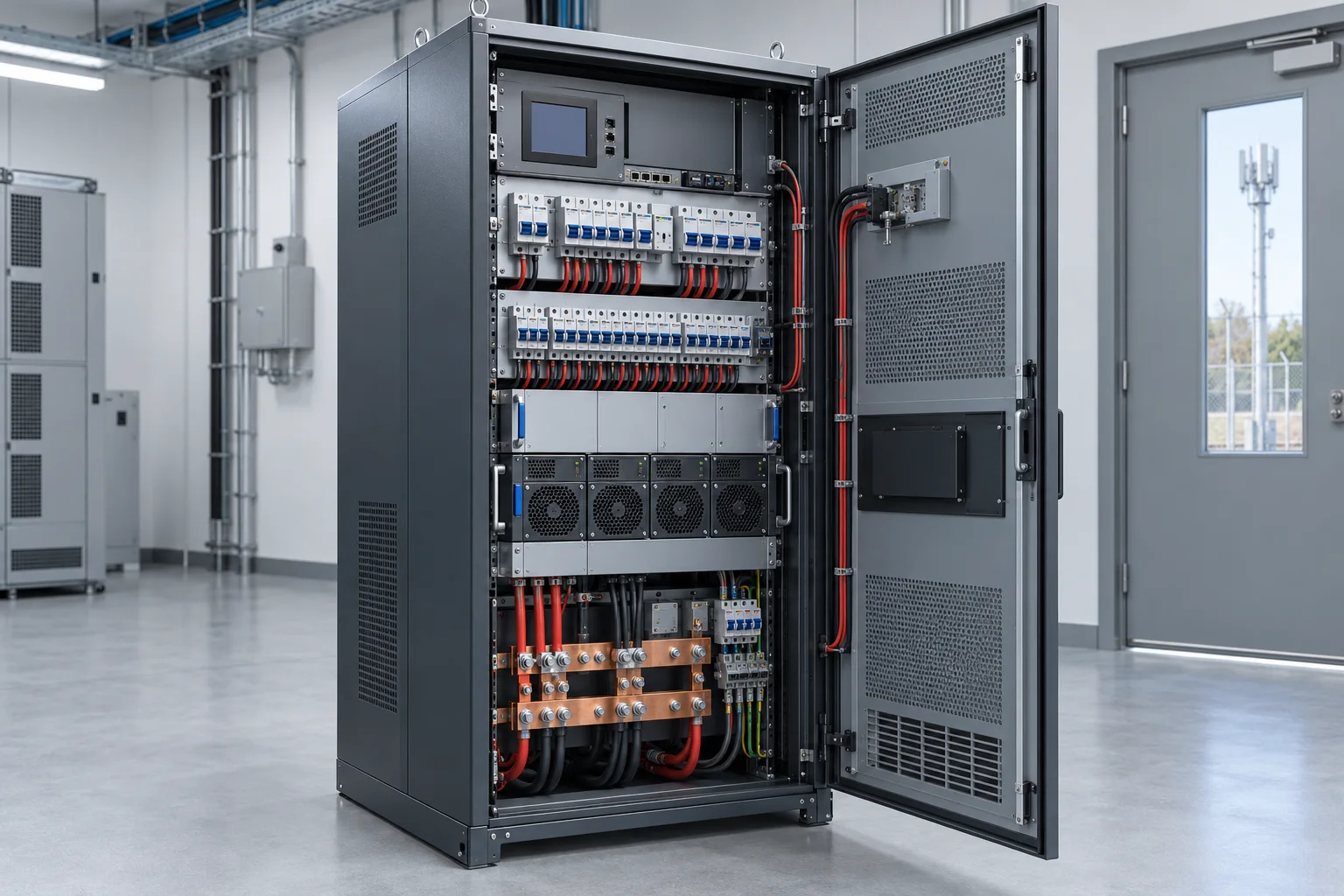
Define how site power reaches equipment and how circuits are identified.
Confirm: Input supply, outputs, protection, isolation and installation requirements.
Include in a project brief ↗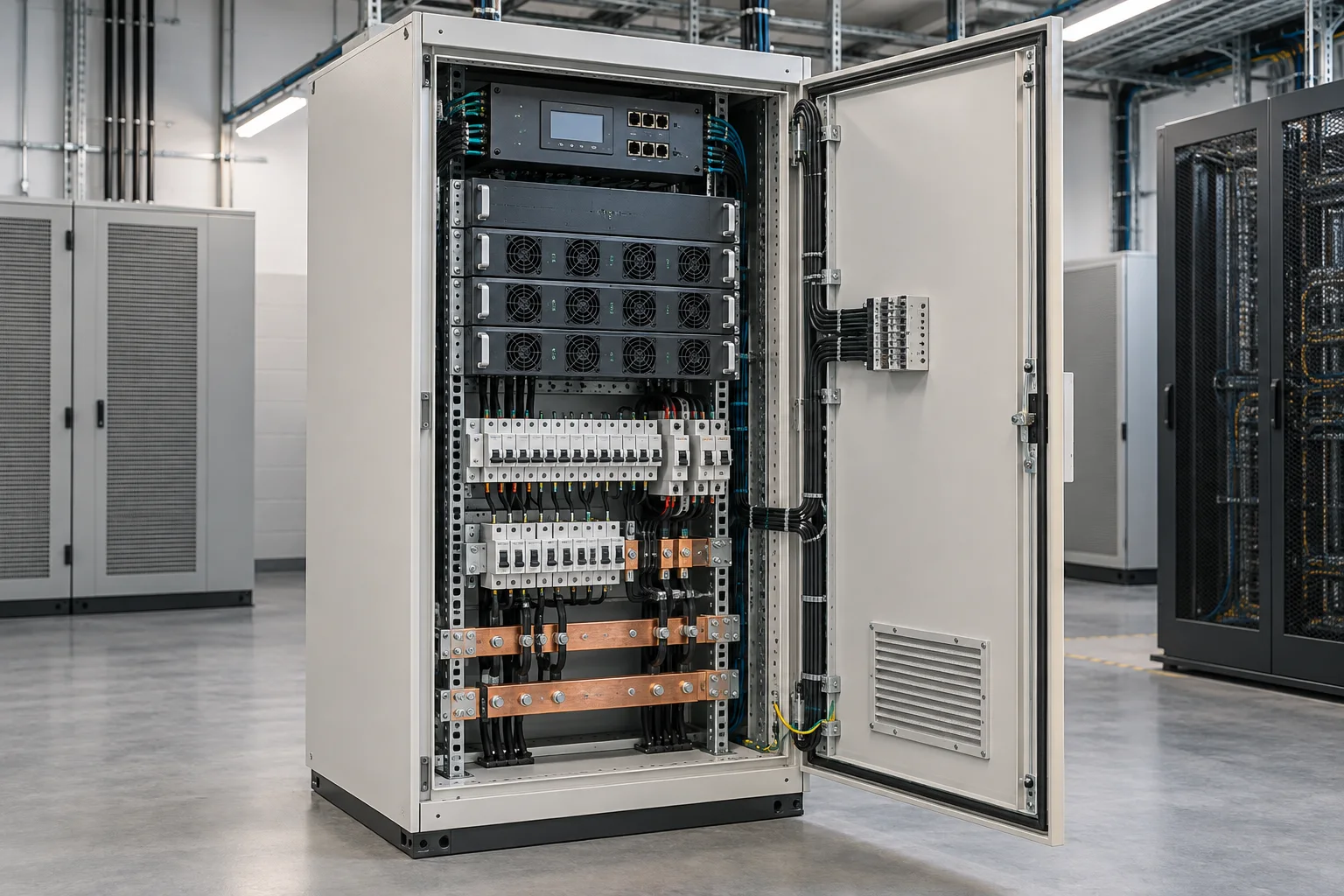
Coordinate the DC supply arrangement with the connected communications load.
Confirm: Required voltage, load, redundancy and integration with backup power.
Include in a project brief ↗
Plan a supported pathway for cable installation and later changes.
Confirm: Route dimensions, loading, support arrangement and cable segregation.
Include in a project brief ↗
Guide fiber routing between equipment and distribution locations.
Confirm: Bends, transitions, fill, exit positions and future cable additions.
Include in a project brief ↗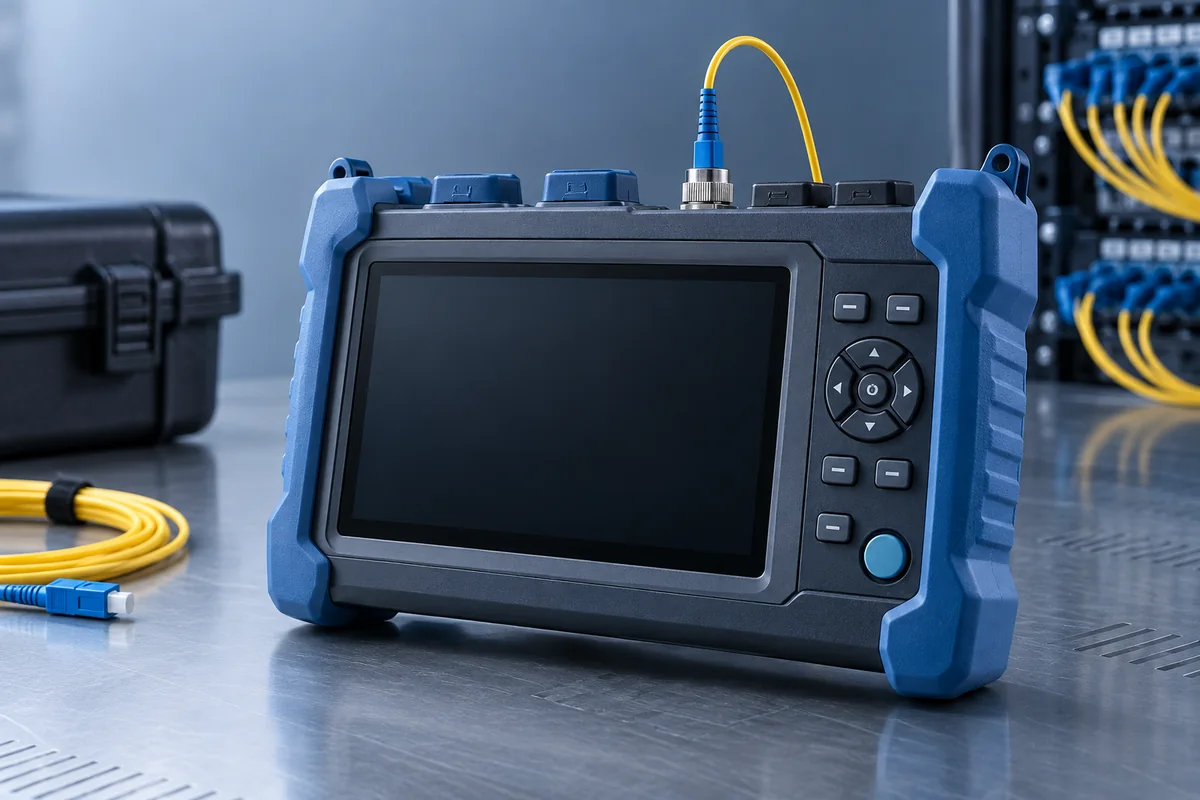
Locate route events and examine distributed attenuation during testing.
Confirm: Fiber type, wavelengths, event range and the agreed measurement method.
Include in a project brief ↗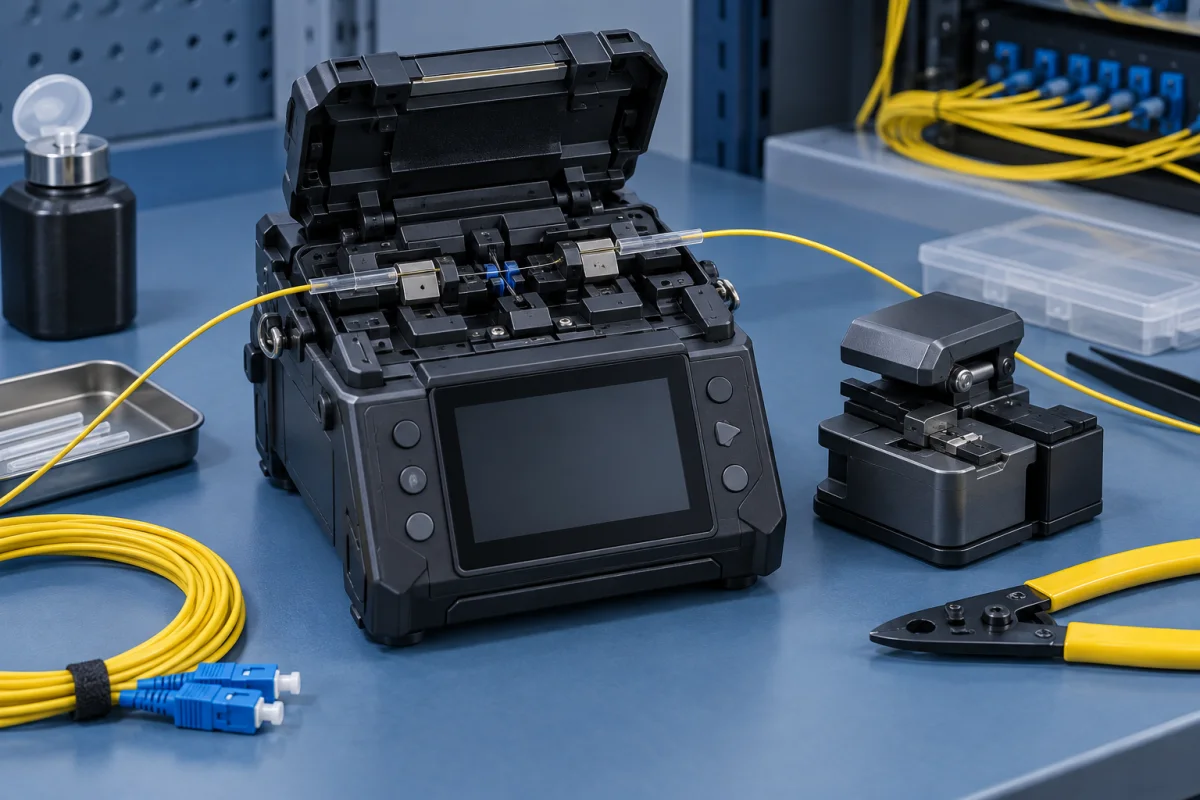
Prepare permanent fiber joints as part of the installation work.
Confirm: Fiber compatibility, preparation tools, splice protection and verification.
Include in a project brief ↗Share the cable schedule, distribution layout or equipment-room requirements already available. Mark the decisions that still need technical confirmation.